Apple IIGS C development on Windows
ORCA C / OPUS II
For the compiler, I use ORCA C, available from Juiced.GS. Byteworks sells all of their software as Opus II, including the C compiler.
Golden Gate
Golden Gate is a cross-platform compatibility layer for ORCA and GNO/ME. It’s available from the Juiced.GS store.
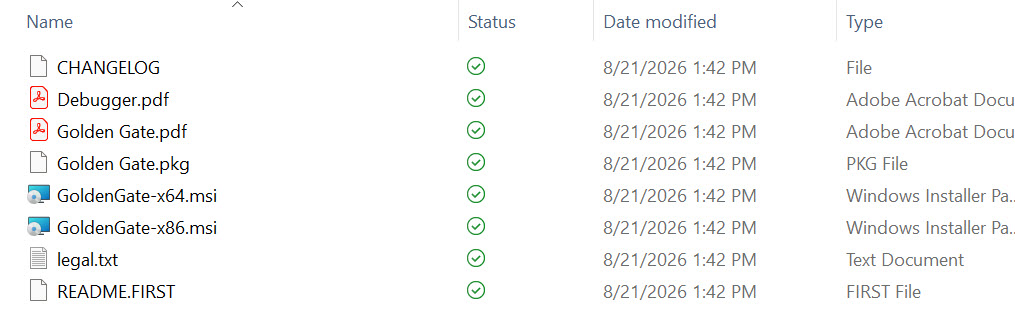
Extract the files from the golden gate zip file, then run the installer.
The installer is unsigned, so you may get a Microsoft Defender SmartScreen warning.
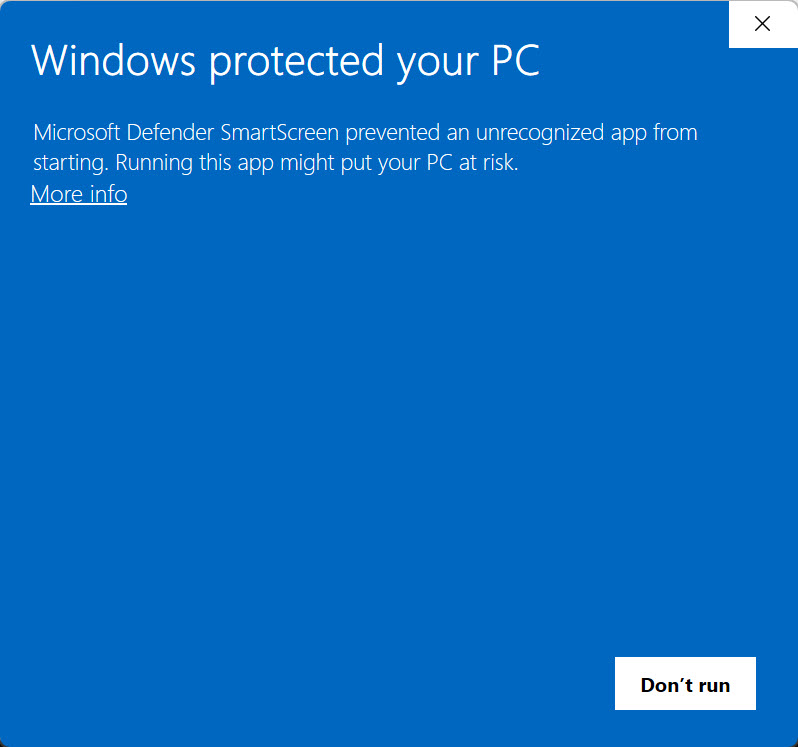
Click the ‘More Info’ link in the dialog. Then click the Run Anyway button to continue.
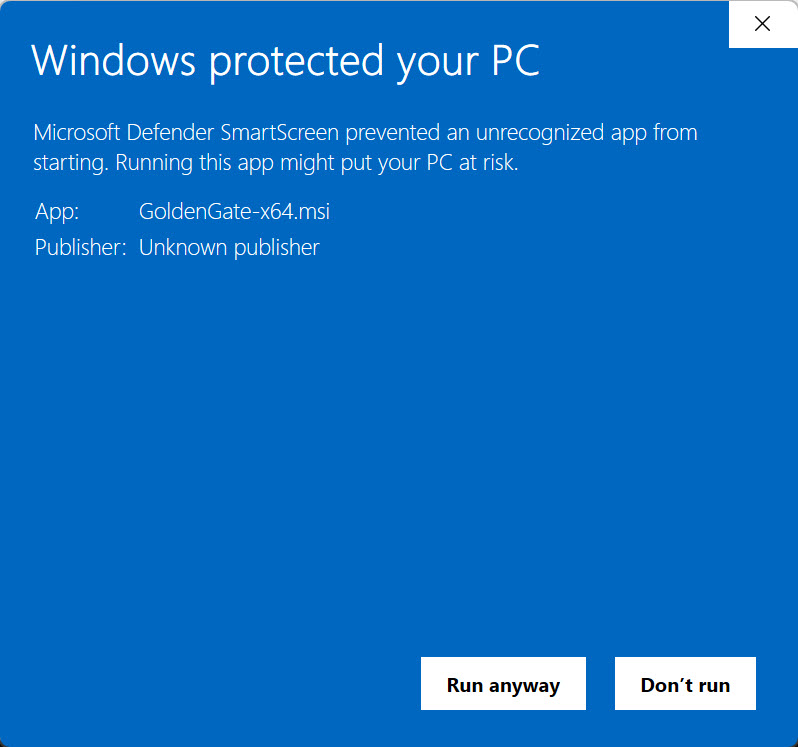
The installer will finish without a “we’re done” message, but that’s OK.
Configuring ORCA C and Golden Gate
Golden Gate needs to have the ORCA C files copied to a specific location on Windows.
For this purpose, the authors of Golden Gate created a command-line program called opus-extractor.
Open a command prompt and navigate to where Golden Gate was installed (C:\Program Files\GoldenGate).
Next use opus-extractor to pull files from the Byteworks.po file to the destination directory (C:\ProgramData\GoldenGate).
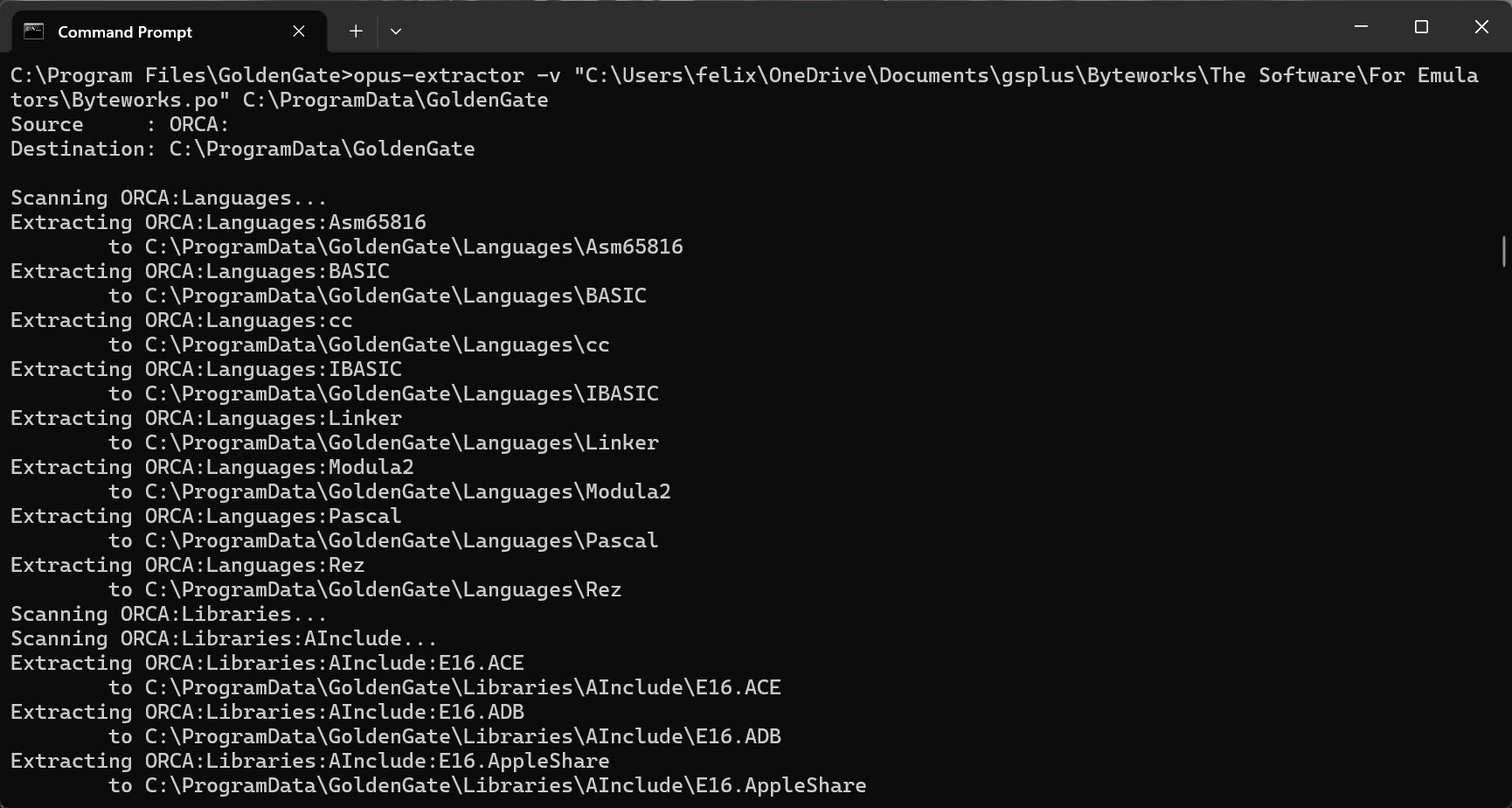
After the files have copied, verify the compiler is working with iix compile.
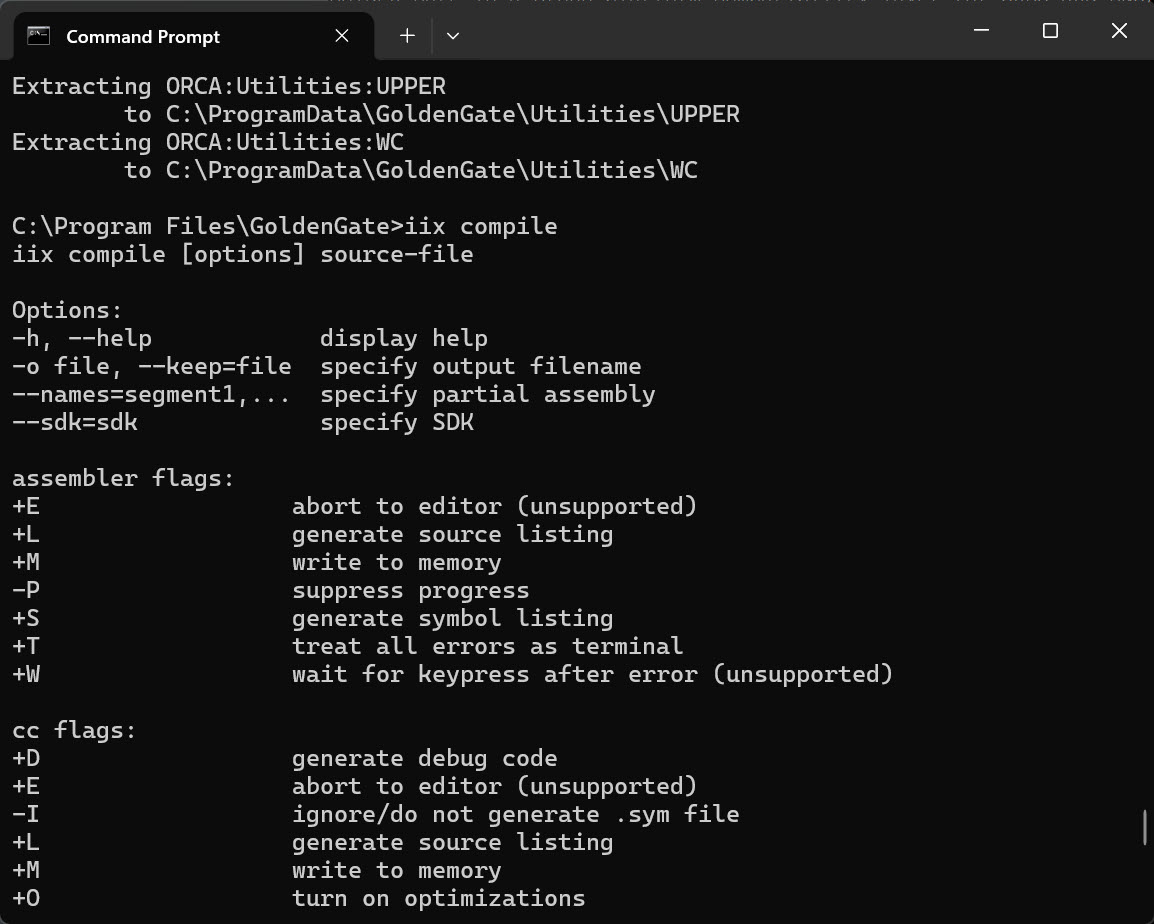
Since we didn’t specify a file to compile, it gives us the help message. But it works!
Modifying PATH on Windows
Having to include the full path to call iix is a frustration.
By modifying the PATH environment variable, we can solve that.
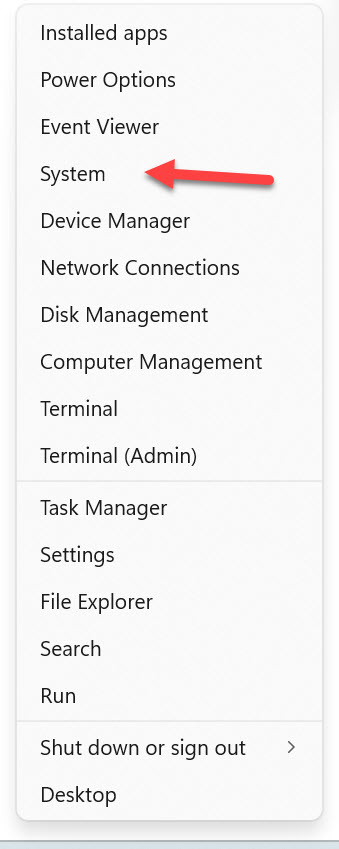
Right-click on the windows icon and select System.
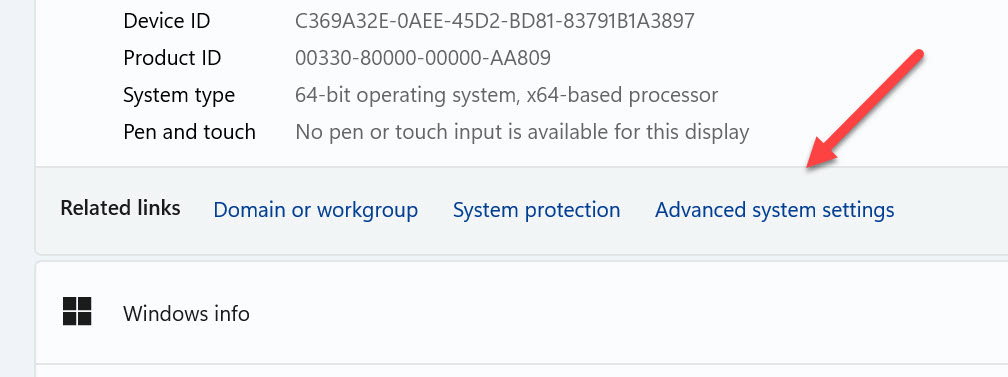
From the System > About window, select the Advanced Settings link.
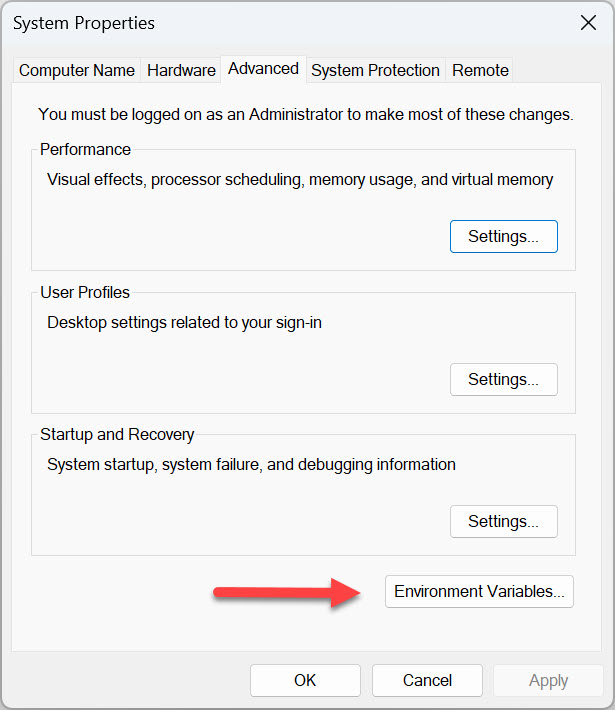
In the System Properties dialog, select the Environment Variables button.
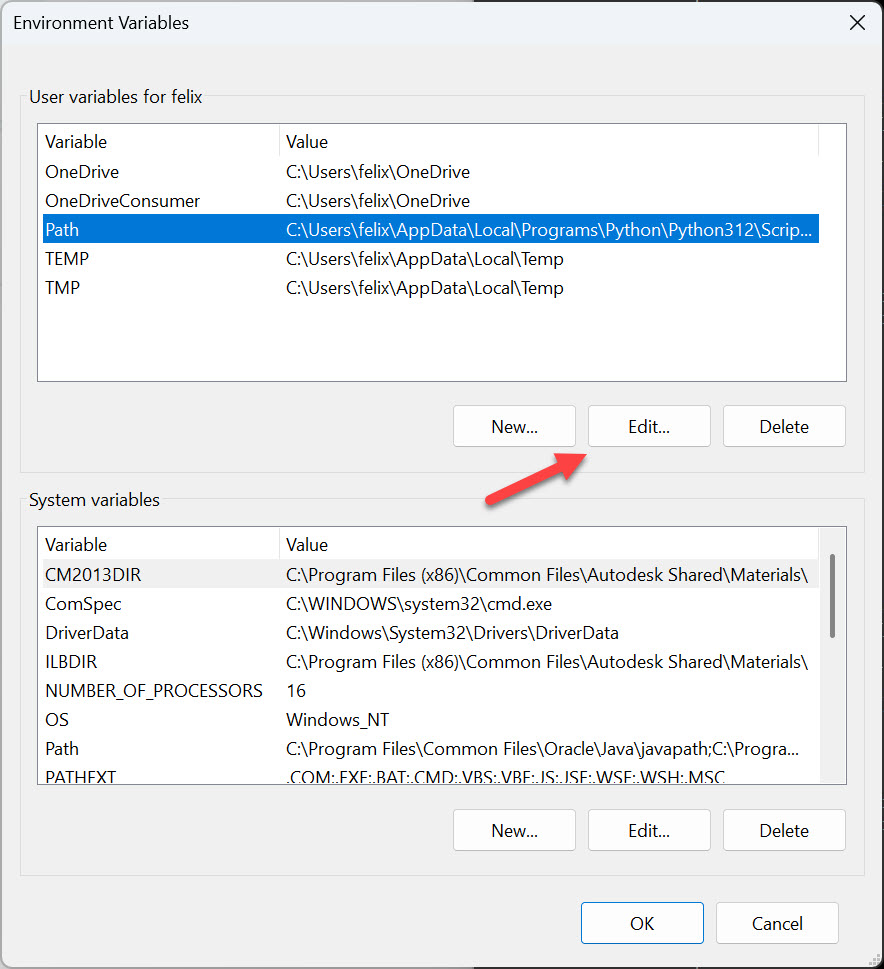
When the Environment Variables window opens, select the Path line in the upper window.
Then click Edit.
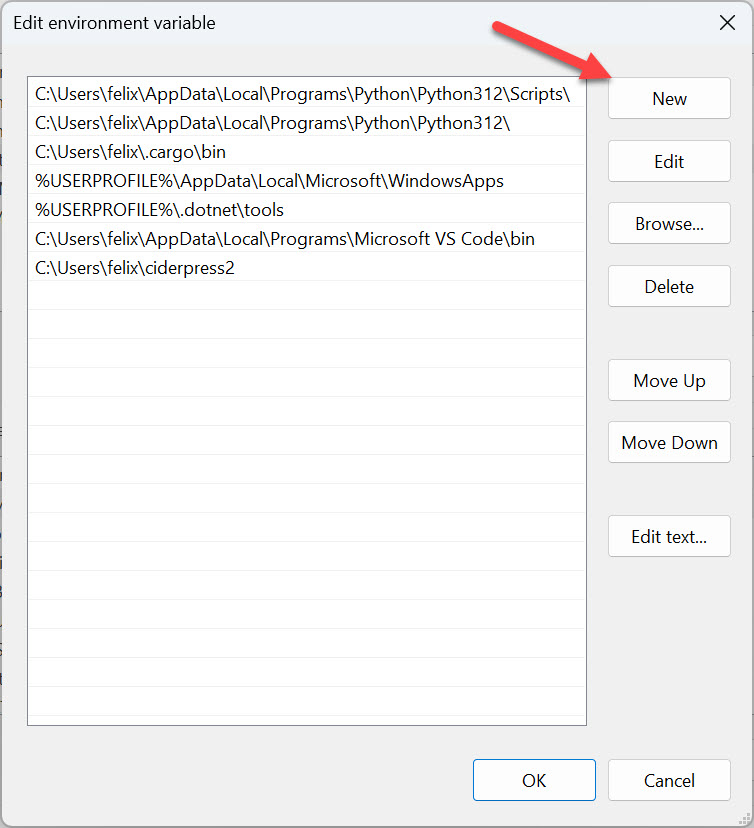
From the Edit environment varable window, click the New button.
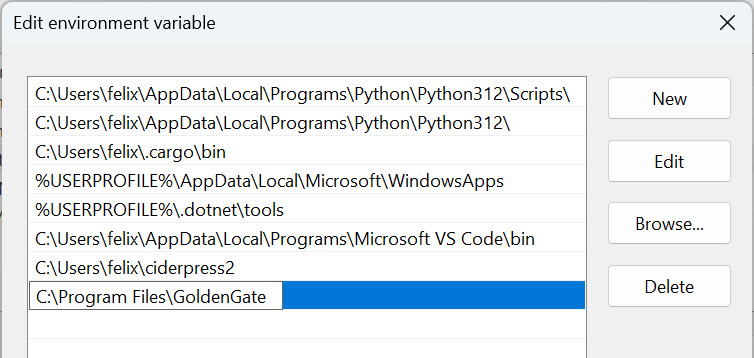
Then add the location of Golden Gate, C:\Program Files\GoldenGate.
Click the OK button and when you open a new terminal, you should be able to run iix compile from anywhere.